
Smartphone Battery Stats
- Typical lithium batteries degrade after roughly 500 full charge cycles. (UTwente)
- 18% of Americans cite battery issues as their primary reason to upgrade. (Reviews.org)
- Replacing a battery can extend a device’s life by 2 to 3 years. (Gadget Hacks)
- Batteries reach 80% capacity after approximately 1 to 1.5 years of use. (Huawei)
We’ve all been there: you’re halfway through a busy afternoon, and your phone, which was at 40% just moments ago, suddenly goes black. It’s frustrating, inconvenient, and often happens at the worst possible time. While most of us accept “poor battery life” as an inevitable part of owning technology, it is rarely just a minor annoyance.
All smartphone batteries have a shelf life. They are chemical engines that slowly degrade with every charge cycle. However, when a battery begins to fail, it can do more than just run out of juice quickly; it can impact your phone’s speed, its physical integrity, and even your safety.
Recognizing the warning signs early can save you from the stress of a dead device and the high cost of an unnecessary upgrade. At Cell Medics, we believe in empowering you to understand your tech. Here is how to tell if your device is waving a red flag.
Why Smartphone Batteries Don’t Last Forever
To understand why your phone is acting up, it’s helpful to understand what’s happening under the hood. Modern smartphones rely on Lithium-ion (Li-ion) batteries. They are lightweight and powerful, but they aren’t immortal.
The Chemical Lifecycle of Modern Devices
Think of your battery like a sponge. When it’s new, it can hold a huge amount of “water” (energy) and release it steadily. As you use and recharge your phone, that sponge begins to harden.
Every time you charge your phone from 0% to 100%, you complete one “cycle.” After about 500 to 800 cycles, the chemical components inside simply cannot move ions as efficiently as they once did. This is why even a well-cared-for phone will eventually need professional device repair.
What “Battery Health” Actually Means
Most modern iPhones and Android devices have a “Battery Health” setting. This percentage doesn’t show your current charge, but rather your battery’s total capacity relative to when it was new.
- 85% to 100%: Your battery is in peak operating condition.
- Below 80%: Most manufacturers consider the battery “degraded.” At this stage, the battery may struggle to deliver the peak power required during high-intensity tasks.
When Degradation Becomes a Problem
Normal wear is gradual, but once a battery crosses a certain threshold, the symptoms become erratic. You move from “my phone doesn’t last as long” to “my phone is behaving strangely.” This is the point where simple software fixes, like lowering brightness or closing apps, will no longer help.
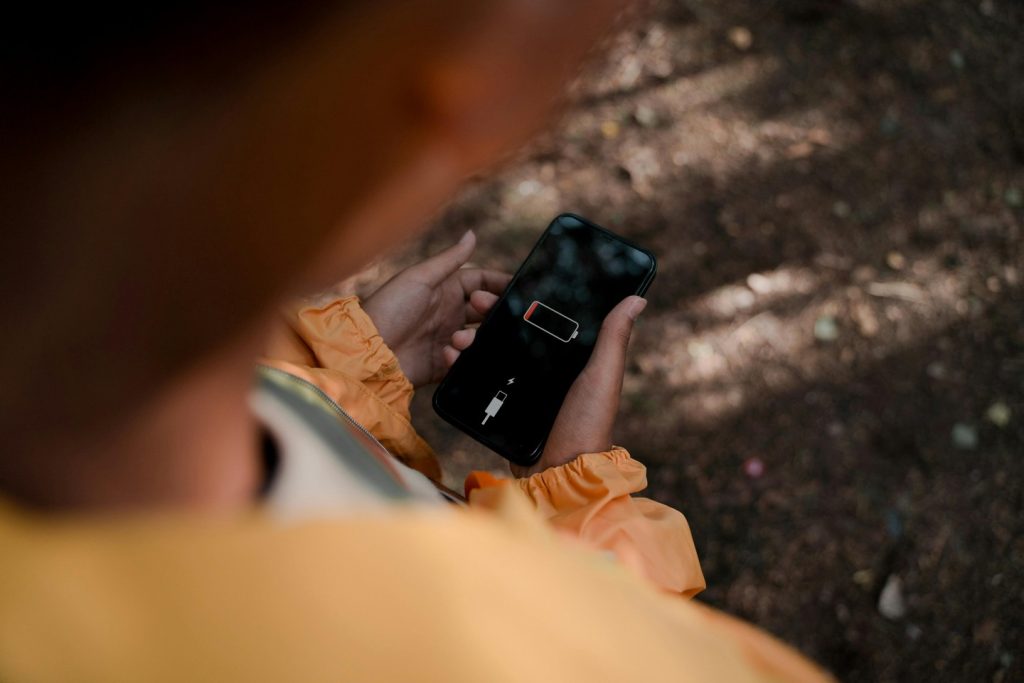
Sign #1: Your Phone Shuts Off at a High Battery Percentage
One of the most common signs of a failing smartphone battery is the “phantom shutdown.” You look at your screen, see 20% or 30% remaining, and a moment later, the screen goes dark.
Why does my phone shut off at a high battery percentage? As batteries age, their internal resistance increases. When you try to do something power-intensive (like opening the camera or a GPS app), the battery experiences a “voltage sag.” It can’t provide the sudden burst of energy needed, and the phone shuts down to protect its internal circuits from damage.
Sign #2: Your Phone Only Works When Plugged In
If your device feels like a landline because it dies the second you unplug it from the wall, you have a phone that only works when plugged into a wall, a battery problem. At this stage, the battery has lost its ability to complete a full charge cycle. While the phone can still run on the direct power coming from your charging cable, the battery cell itself is effectively “dead.” This is a clear indicator that a replacement is no longer optional if you want a mobile device.
Sign #3: Excessive Overheating During Charging or Normal Use
It’s normal for a phone to feel slightly warm while fast-charging or playing a high-def game. However, if you are asking, “Why is my phone overheating while charging even when I’m not using it?” you should take notice.
When battery chemicals break down, they create internal resistance, which generates heat as a byproduct. Excessive heat is a major warning sign; it can damage other internal components, such as the logic board or screen. If your phone is uncomfortably hot to the touch during basic tasks like texting, the battery is likely struggling to manage its internal chemistry.
Sign #4: Your Phone Has Become Noticeably Slower
Did you know a bad battery can make your apps lag? Many smartphone manufacturers use “performance management” software features. When the software detects that the battery is degraded, it intentionally slows down (throttles) the processor to prevent the phone from drawing too much power and shutting down unexpectedly. If your once-snappy phone now feels sluggish or stuttery, a fresh battery can often restore it to its original speed.
Sign #5: Physical Swelling or a Bulging Screen/Back Case
This is the most critical of all smartphone battery swelling symptoms. If you notice a gap between the screen and the frame, or if the back of your phone looks slightly rounded or “pregnant,” stop using it immediately.
Batteries swell because of a buildup of flammable gas, a byproduct of chemical decomposition.
- Do not try to squeeze the phone back together.
- Do not plug it into a charger.
- Do not throw it in the trash (this is a fire hazard).
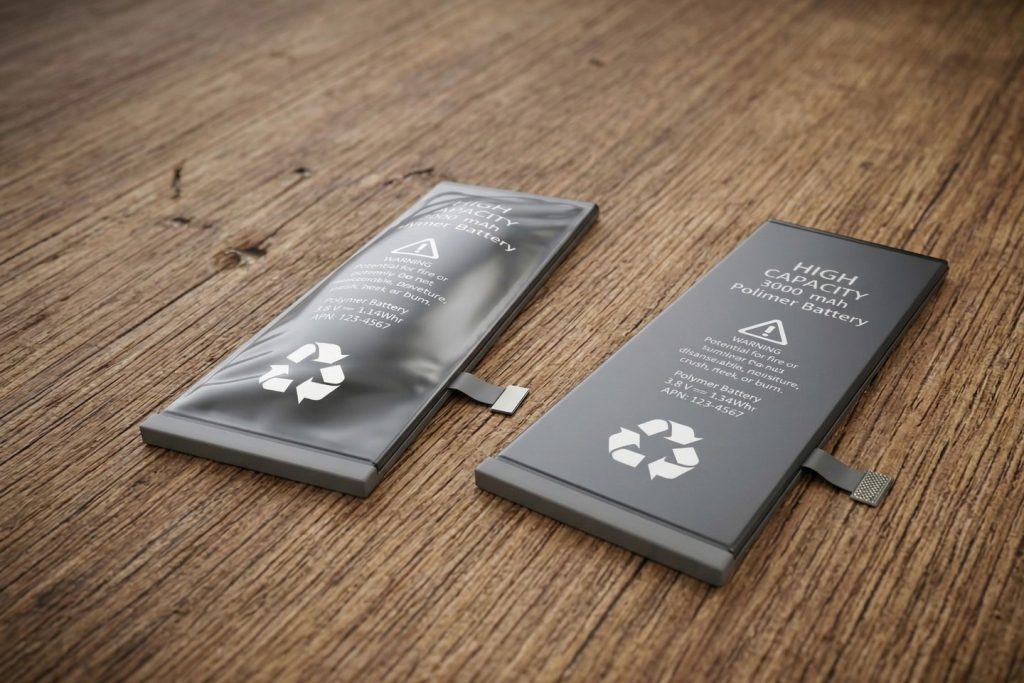
Why You Shouldn’t Ignore a Swollen Battery
A swollen battery is under pressure. If the outer casing is punctured, it can trigger a “thermal runaway” event (a fire). This requires immediate professional attention to safely remove and recycle the hazardous cell.
What to Do When You Recognize These Signs
If your phone is showing these symptoms, you don’t necessarily need to spend $1,200 on a new device.
The Cost of Waiting vs. The Value of Replacing
A professional battery replacement is one of the most cost-effective ways to extend the life of your technology. By spending a fraction of the cost of a new phone, you can get another two to three years of peak performance out of your current device. However, if you decide it is time for an upgrade, consider exploring Certified Pre-Owned devices or our Device Buyback Program to ensure your old tech is handled responsibly.
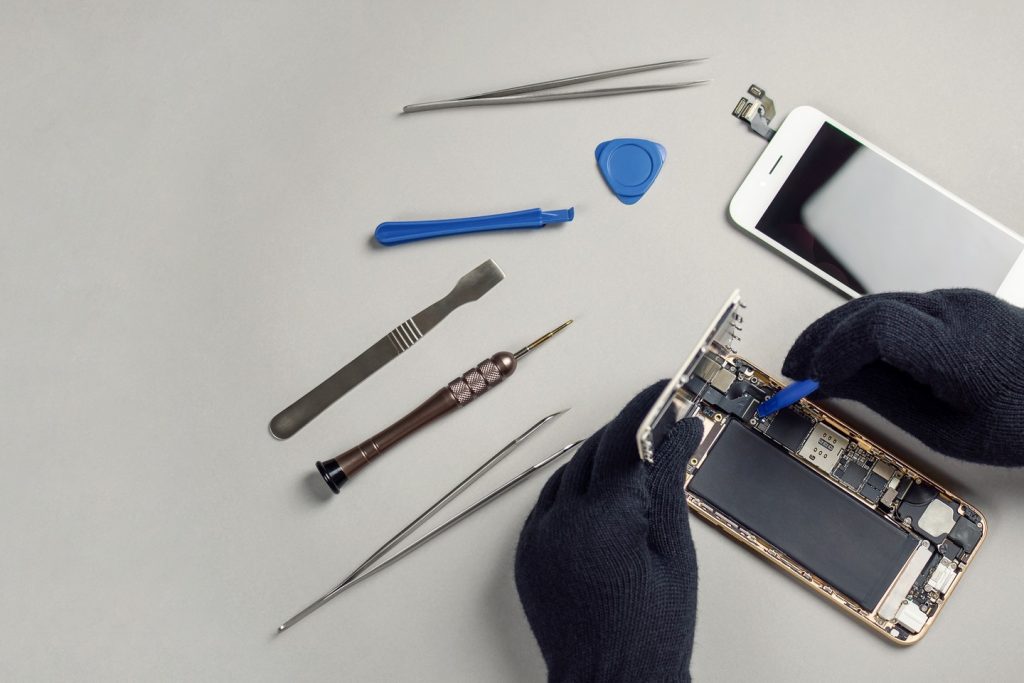
Why Professional Replacement Matters
While DIY kits exist, smartphone repair has become incredibly complex. Modern devices use strong adhesives and delicate ribbon cables that are easily torn. Professional technicians have the specialized tools to open your device without damaging the screen or the water-resistance seals. Furthermore, pros use high-quality, tested cells that won’t leave you with the same problems a month down the line.
Is your battery showing its age? Don’t wait for a total shutdown. Contact Cell Medics today for a fast, professional battery replacement and get your mobile life back on track.
Smartphone Battery FAQs
Why is my phone battery dying so fast all of a sudden?
Sudden drain is often caused by a combination of high screen brightness, power-hungry background apps, or a degraded battery. If your battery health is below 80%, it can no longer hold a steady charge, leading to rapid drops in power even with light use.
How do I check my smartphone’s battery health?
On an iPhone, go to Settings > Battery > Battery Health & Charging. On Android, you can check Settings > Battery, though some models require third-party apps like AccuBattery or a diagnostic code to see the exact capacity percentage.
Is it worth replacing a phone battery or should I buy a new phone?
Replacing a battery is highly cost-effective, usually costing a fraction of a new device. If your phone is otherwise in good condition and still receiving software updates, a new battery can extend its usable life by another 2 to 3 years.
Why does my phone shut off when it still shows 20% or 30% battery?
This is known as a “phantom shutdown.” As batteries age, their internal resistance increases. When you perform a demanding task, the battery’s voltage drops sharply, triggering the phone to shut down to protect its internal circuits.
What should I do if my phone battery is swollen or bulging?
Stop using the device immediately. Do not charge it, squeeze it, or throw it in the trash. A swollen battery is a fire hazard caused by gas buildup. Seek professional repair immediately to have the hazardous cell safely removed and recycled.
Why is my phone overheating while charging?
While some warmth is normal, excessive heat is a sign of internal resistance within a failing battery. This heat can damage your screen and logic board. If your phone feels hot to the touch during a basic charge, the battery likely needs a replacement.
Can a bad battery actually make my phone run slower?
Yes. To prevent unexpected shutdowns, many smartphones use “performance management” (throttling) to limit the processor’s speed when it detects a degraded battery. Replacing the battery often restores the phone’s original snappiness.
How many years does a typical smartphone battery last?
Most lithium-ion batteries are designed to last for 500 to 800 charge cycles, which typically equates to 1.5 to 2 years for the average user. After this point, you will likely notice a significant dip in performance and daily capacity.
Can I replace my smartphone battery myself?
While DIY kits are available, modern smartphones are held together with strong adhesives and delicate ribbon cables. One small mistake can ruin the screen or destroy the phone’s water resistance. Professional replacement ensures the job is done safely with high-quality parts.
What is the best place for professional smartphone battery replacement?
Cell Medics is the best option for smartphone battery services, offering expert technicians, high-quality tested cells, and fast, reliable service to get your device back to peak performance.